Documentary editor
An interview cuts to an object being handled while the speaker continues talking.
Choose a restrained cue that confirms the action without covering the voice; use a sound effect identifier if the needed noise is hard to describe.
Editing guide
A convincing cue needs more than the right subject. Match its timing, perspective and license to the footage before you place it on the timeline.
Free sound effects for video editing are useful only when a cue works in the finished scene. A general search might find a door slam; an editing search must also consider the cut, dialogue and publishing rights.
An editing-first search adds three checks that a broad sound search can miss: picture sync, mix space and clearance for the finished video. It does not perform those checks for you.
A useful sound effect may still start too early, end too late or emphasize the wrong frame.
What to do instead
Place it at the visible point of contact, then trim and listen across the preceding and following cuts.
A cue that sounds strong alone can mask a spoken word or clash with music.
What to do instead
Audition it under the actual dialogue and score, then adjust its level or choose a quieter recording.
A free download does not, by itself, establish permission for every platform or project.
What to do instead
Read the specific file's license and keep a record of its source and any attribution requirements.
Work from the scene outward rather than collecting a folder of promising noises. The picture tells you what the cue must accomplish.
Identify the visible action and the exact frame where the audience should hear it. Note whether the sound should feel close, distant, indoors or outdoors.
Search for the action plus a useful detail, such as material or intensity. Audition candidates against the footage, not just through a preview player.
Confirm the license for your intended use. Add the chosen cue to the timeline, trim its edges and balance it with speech, ambience and music.
The same sound effect can be an excellent find and a poor fit for a particular cut. Use these distinctions to decide what to check before committing to a file.
| General sound search | Video-editing decision | |
|---|---|---|
| Main question | Does it resemble the sound I want? | Does it support what the viewer sees and hears? |
| Timing | A recognizable event may be enough. | The transient must land where the action reads. |
| Perspective | Any clear recording can seem suitable. | Distance and room character should match the shot. |
| Duration | A longer recording offers choices. | The usable portion must fit the available edit. |
| Mix | The preview is heard on its own. | The cue must coexist with dialogue and music. |
| Rights | A free label may look sufficient. | The file's terms must permit the planned publication. |
Treat this visual pair as an editing concept, not a claim about an audio output. A scene becomes more specific when the cue is chosen for the visible action.
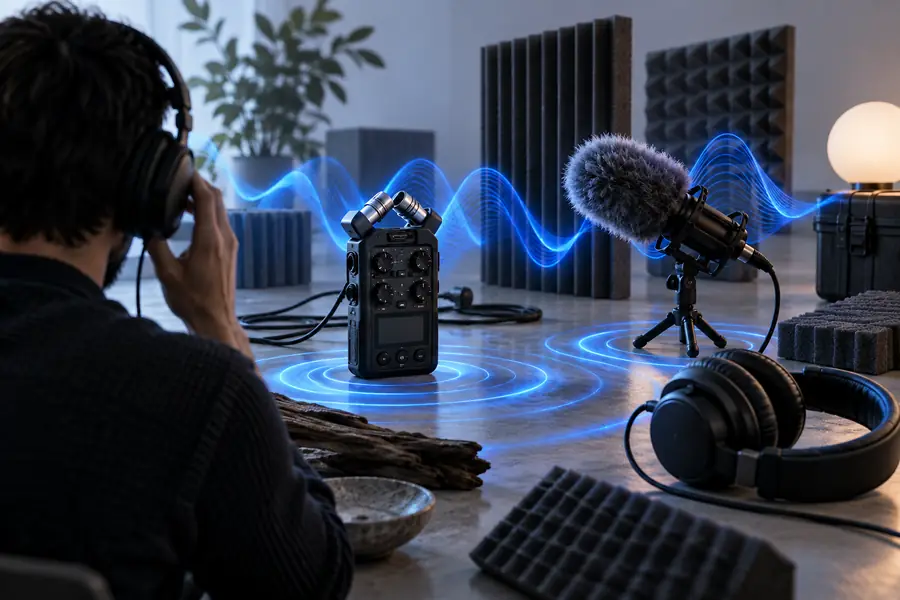
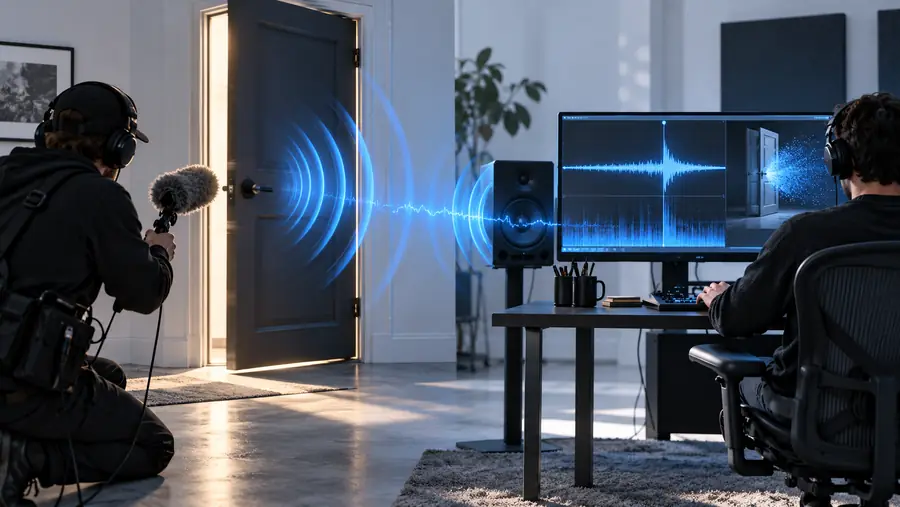
The useful comparison happens in your timeline: play each candidate with the picture and the rest of the mix.
Search by sound aloneChoose for the sceneDifferent projects put different demands on a cue. These examples show which question to ask before adding one to an edit.
An interview cuts to an object being handled while the speaker continues talking.
Choose a restrained cue that confirms the action without covering the voice; use a sound effect identifier if the needed noise is hard to describe.
A visual impact falls near a beat, but the track already carries a strong hit.
Test whether a sound effect for music adds texture or merely doubles an element the listener can already hear.
Several quick cuts need distinct reactions without turning the video into a wall of noise.
Use sound effect buttons as a reference for brief cue types, then vary placement and level so each reaction remains legible.
Describe the visible action, setting and desired perspective before exploring audio options. Whatever source you choose, verify its terms and audition the result in your edit.
Look for audio libraries or sound-creation tools that let you evaluate a cue against a specific scene. Before using any file, check its individual license, source information and attribution terms.
That depends on the license attached to the particular recording. Check whether it covers your intended platform and use, and keep the license details with your project files.
Align the sound's clearest attack with the visible action, then trim unwanted lead-in and tail. Listen with dialogue, music and neighboring shots playing so you can judge timing and level in context.
Its perspective, material, room tone or intensity may disagree with the image. Try a different recording or a quieter cue rather than relying on volume alone to fix the mismatch.