Audio planning
Find a sound effect online that fits your scene
A sound effect online can be easy to find and still be wrong for the moment. Describe the action, setting and timing first; then judge each candidate by how it works in your edit.

Choose a path
Match the route to the job
A useful sound effect starts with a specific need. These related guides help separate finding a clip, making a cue and placing it in an edit.
Know the edges
What an online result cannot decide
The result page is a starting point, not proof that a clip is suitable or cleared for your project.
It cannot confirm your usage rights
A playable preview or download button does not establish permission for a public video, advertisement or client project. Terms can differ between clips on the same site.
What to do instead
Read the specific clip's license, attribution requirements and restrictions; keep a record of the terms you relied on.
It cannot hear your whole mix
A sound effect may seem convincing alone but mask speech, clash with music or feel too large for the scene once placed on a timeline.
What to do instead
Audition it at the intended moment with the other tracks playing, then adjust its level and timing.
It cannot guarantee a clean fit
Search labels rarely tell you whether a file has a long lead-in, background hiss or a tail that overlaps the next shot.
What to do instead
Listen through the complete clip and check its beginning and end before committing to it.
Practical workflow
Go from brief to usable cue
The same short workflow works whether you browse a sound effect online, record one yourself or explore another audio tool.
-
1
Describe the moment
Write down the source, surface, distance and mood. For example, “shoe scuffs on dry concrete nearby” is easier to judge than “footsteps.”
-
2
Shortlist by listening
Compare candidates at the same playback level. Listen for the attack, background noise and natural decay rather than trusting filenames alone.
-
3
Test it in context
Put the cue against picture and nearby audio. Trim or move it until the action feels synchronized, then verify the applicable usage terms.
Brief comparison
A clearer brief changes what you look for
These illustrations show a planning contrast, not an actual audio transformation or a preview of a generated file.
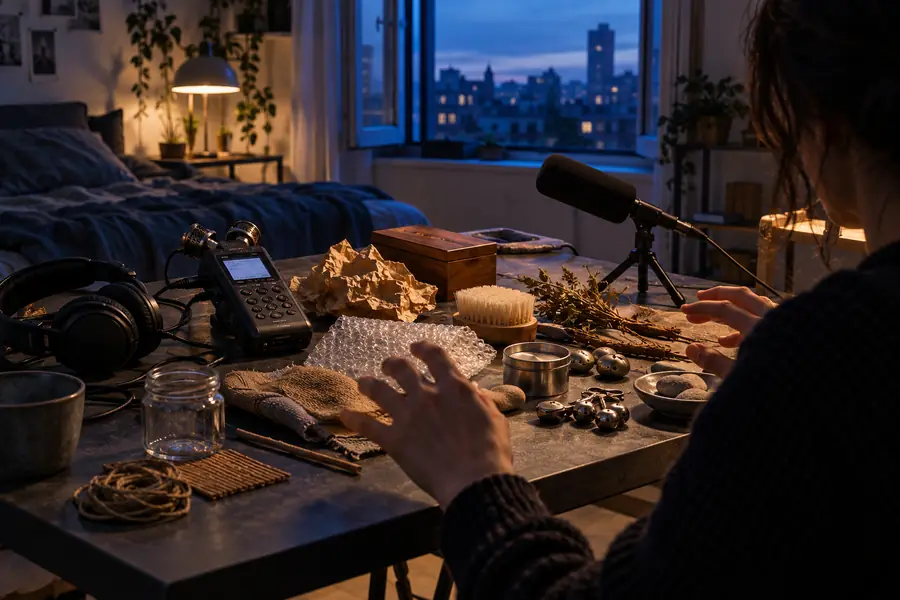
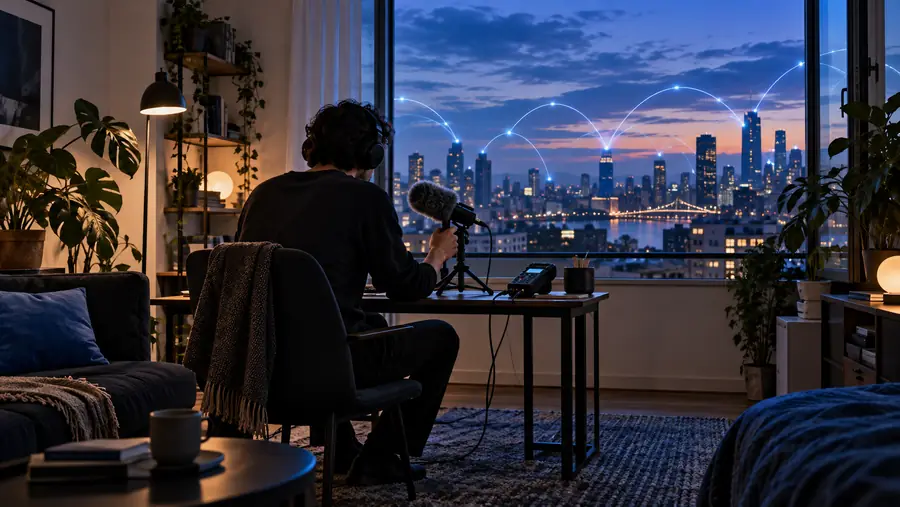
A focused brief gives you audible criteria for rejecting clips that sound impressive but do not match the scene.
Vague request: a door soundFocused brief: quiet wooden creak and latchChoose your source
Browse a clip or record the real action?
Neither approach wins every time. Use the attributes below to decide what deserves a first listen.
| Browse existing audio | Record your own Foley | |
|---|---|---|
| Starting point | Search with words describing the action and texture. | Identify a safe object and location you can record. |
| Scene specificity | Depends on how closely an available clip matches. | Can follow the exact movement or prop in your scene. |
| Background noise | Must be assessed from the full clip. | Depends on your room and recording setup. |
| Timing | May require trimming and careful placement. | Can be performed to match the intended action. |
| Usage rights | Check the clip's stated license and conditions. | Check rights to the recording and anything audible within it. |
| Best first choice | An ordinary cue you can evaluate quickly by listening. | An unusual prop or movement that needs a close match. |
Next step
Bring a specific cue to your next audio session
Soundeffect helps you frame the search before you follow the audio-tool link. Take a short description of the source, texture and setting with you, and check the available capabilities and terms on the destination before using any result.
Start with a sound you can describe
- Describe the action before choosing a clip
- Listen in the context of your edit
- Confirm rights for your intended use
Common questions
Questions about finding audio online
Some sites list clips at no charge, but availability and conditions vary by source and by file. Check the individual listing before assuming it can be downloaded or used in your project.
Not necessarily. A license may require attribution, restrict certain uses or apply only under specific conditions, so read the terms attached to the exact clip.
Describe what happens and what you hear: the object, material, distance and duration. Try a concrete phrase such as “small metal object rolling on tile,” then use listening to refine the shortlist.
Listen to the entire file for noise, abrupt cuts and an unwanted tail. Test it beside your dialogue and music, then confirm that its usage terms cover the project you are making.