Soundeffect.

Source guide

Finding pixabay sound effects for your project

Pixabay sound effects give you a place to browse and preview existing clips. Soundeffect helps you think through the sound you need, the source information to check, and what to do when a library search comes up short.

Abstract audio wave artwork representing a search for sound

This library entry point versus a general search

A web search finds many kinds of pages. A library search lets you compare existing clips and examine the source before choosing one; the better route depends on your task.

Video editor

You need a short transition that fits a cut. A library preview helps you judge timing, while a broad search may lead to articles, soundboards, or clips from several sources.

Compare candidates against the edit, then check the terms attached to the chosen recording. For an editing-focused search, see free sound effects for video editing.
free sound effects for video editing

Meme creator

You recognize the kind of reaction sound you want but not its name. Browsing a library may reveal a close match, whereas a general search can help identify the reference.

Separate the familiar reference from the actual recording you plan to use. The sound effect meme guide covers that distinction.

sound effect meme

Music producer

You want a textured hit beneath a beat. Library previews make auditioning recordings practical, but they cannot tell you whether a clip will sit well in your mix.

Test the sound at the intended tempo and level rather than judging it alone. See sound effect for music for arrangement considerations.

sound effect for music

Three things this entry point helps you do

Use the library for discovery and comparison, not as a substitute for checking your finished project.

  1. 1

    Browse existing recordings

    Start with a physical source and an action, such as metal door closing, rather than a mood word alone. This narrows the clips you need to audition.

  2. 2

    Preview competing takes

    Listen for the attack, tail, background noise, and perspective. Two clips with the same label can feel very different against the same scene.

  3. 3

    Inspect the source

    Read the information associated with the specific clip and the applicable license before publication. Keep a record of what you selected and where you found the terms.

Limits to check before you commit

Pixabay is an independent source of existing media. Soundeffect is not affiliated with it, and a promising preview is not a finished rights or mix check.

1

No guaranteed exact match

An existing clip may have the wrong perspective, length, or ambience even when its title matches your brief.

What to do instead

Revise the source and action in your search, or plan to record a sound that fits the scene.

2

No blanket permission for every use

A result appearing in a library does not remove the need to read the current terms and any clip-specific notices.

What to do instead

Check the applicable license at the source and save its details with your project notes.

3

No automatic fit in the mix

A clear preview can still clash with dialogue, music, or the acoustic space of your video.

What to do instead

Audition it in context and adjust timing and level in your editor.

From a vague search to a usable brief

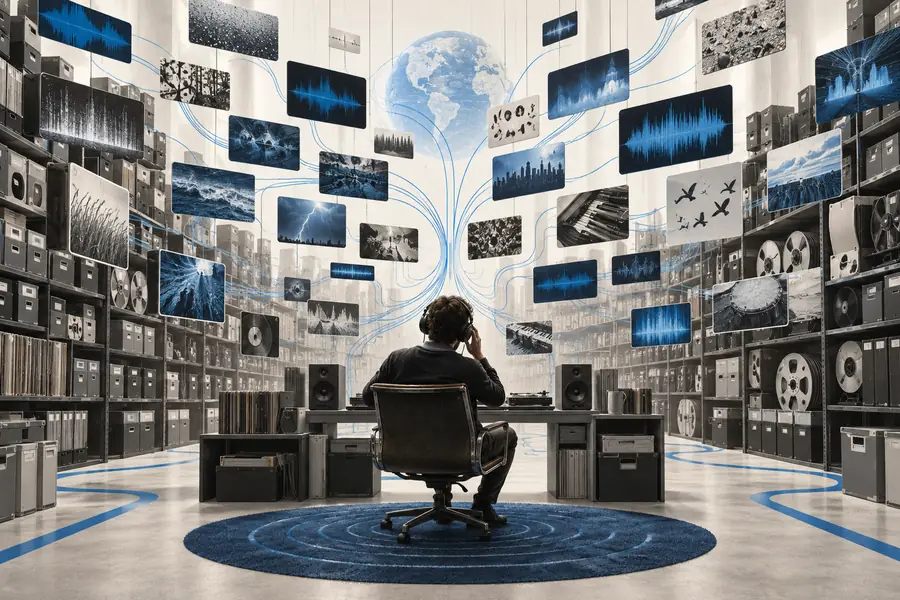
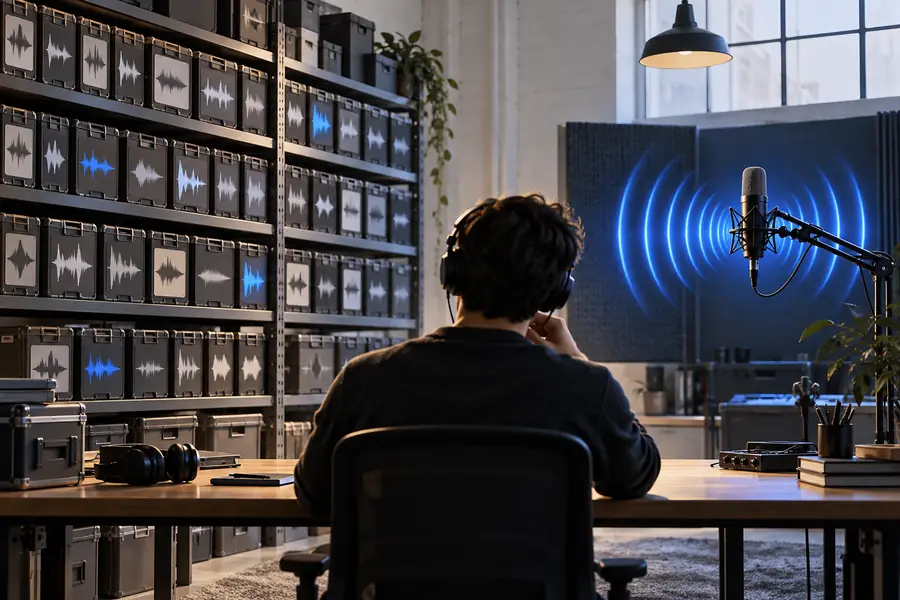
The images illustrate a change in approach, not actual search results or a promised audio output.

Concept artwork for a broad online sound search
Before: dramatic sound
Concept artwork for a more focused library sound search
After: distant metal door closing, short tail

A specific brief gives you concrete traits to listen for. It does not guarantee that a library contains the recording you imagined.

Before: dramatic soundAfter: distant metal door closing, short tail

Take the next step with your brief

Bring your source, action, and timing notes as you explore sound options through Soundeffect. Check the destination's available features and terms before relying on an output for a project.

Keep the sound you want in focus

  • Describe the scene before choosing a clip
  • Listen in the context of your edit
  • Verify rights at the source
Explore sound options

Questions about Pixabay clips

Look in Pixabay's sound effects library and search for a source or action you can hear, such as rain on a tent. Preview several results before deciding which recording fits your scene.

Possibly, but check the current Pixabay license and the information for the specific clip before publishing. Your intended use matters, so do not treat a search result or preview as permission by itself.

Consult the current terms for the item and your intended use rather than relying on a general answer from another site. Even when attribution is not required, keeping a source record can make later rights checks easier.

Try a more concrete search that names the source, action, and setting. If no existing clip fits, consider recording the sound yourself or exploring another source whose terms you can verify.

Play each candidate alongside the scene, not just in isolation. Compare its start, duration, ambience, and ending, then review the source information for the clip you intend to use.

Create a sound
Create a sound