Soundeffect.

How to Make Sound Effects for a Scene

Learning how to make sound effects starts with a specific scene, a quiet recording space, and a willingness to experiment. You can record ordinary objects, reshape existing audio you have permission to use, or write a precise sound description to explore a creative direction.

Free to start · no signup
Soundeffect audio-themed hero artwork

prerequisites

Choose the action your audience needs to hear, then gather a recorder or phone, headphones, a quiet room, and a few objects that could suggest it.

Video editor

Your scene shows a door closing, but the camera recording picked up voices and traffic. Find a quiet place to record several closes at different distances. Listen to the picture first: a gentle latch and a heavy slam tell different stories, even when the action looks similar.

Keep the cleanest take, trim the handling noise, and save it separately from the scene audio. When you are ready to place it against the picture, how to apply sound effects explains timing, level, and blending.
how to apply sound effects

Podcast producer

A scripted conversation moves outdoors, but recording an entire location is impractical. List the cues that establish the setting: perhaps a passing bicycle bell, a distant dog, and leaves moving behind the voices. Record or source each cue separately so you can control its position.

Build the setting with only the sounds the listener needs to understand it. Sound effects examples offers ideas for choosing recognizable cues without crowding dialogue.

sound effects examples

Music maker

A transition needs a short burst of energy rather than another instrument. Try shaking paper, brushing a cymbal, or recording a breath, then compare how each texture sits beside the beat. Capture a few versions with different intensity so the transition does not depend on one take.

Treat the result as an accent with a beginning and an end, not a constant layer. Sound effect for music covers ways to distinguish scene cues from musical texture.

sound effect for music

numbered steps

Work from the visible action toward a clean, editable recording. These steps also give you a way to judge whether a sound supports the scene.

  1. 1

    Define the sound's job

    Watch the moment without audio and write down what a listener must understand: the action, its apparent distance, and its force. For footsteps, note the surface and pace rather than asking for a generic walking sound. Decide whether the cue should draw attention or remain behind speech. A specific brief makes it easier to reject recordings that are interesting but wrong for the scene.

  2. 2

    Perform and record variations

    Use a phone or recorder in the quietest space available. Keep the microphone still and leave a short gap before and after each action. Test several objects: a bag of rice can suggest grit, while a folded coat can soften an impact. Record light and heavy versions, and listen back on headphones. If you hear clipping, move farther away or reduce the recording level before trying again.

  3. 3

    Trim, clean, and shape

    Bring the best takes into an audio editor. Cut excess silence without removing the natural attack or tail. Lower steady background noise gently; aggressive cleanup can leave watery artifacts. Adjust level, apply modest equalization if the recording sounds muddy or harsh, and use fades where a cut would click. Keep an untouched copy so you can compare every change against the original.

  4. 4

    Layer and check against the scene

    Combine sounds only when each layer contributes something distinct. A heavy door might use one recording for its movement, another for the impact, and a quiet latch at the end. Align the strongest audible event with the visible contact, then test the cue at normal listening volume alongside dialogue or music. Export a version you can identify later, and keep the editable layers for revisions.

common errors and fixes

A convincing sound effect depends on the recording and the final mix. This guide cannot repair every source problem or establish usage rights for you.

1

A distorted take cannot be fully restored

If an impact overloaded the microphone, lowering its volume afterward will not recover the missing peaks. The result may sound brittle even when the waveform looks quieter.

What to do instead

Record the action again with more distance or a lower input level. Keep several takes so you can choose a clean impact.

2

Noise removal cannot replace a quiet recording

Traffic, ventilation, and room echo may overlap the sound you want. Strong filtering can remove parts of the useful sound along with the noise.

What to do instead

Move away from noisy appliances, place soft furnishings around the recording area, and capture another take before relying on processing.

3

A realistic recording may not read clearly on screen

Small sounds can disappear beneath dialogue or music; turning them up excessively may make the scene feel unnatural. The right cue depends on context, not just how faithful the recording is.

What to do instead

Choose a take with a clear attack, simplify competing layers, and listen to the full mix at an ordinary volume.

4

This route cannot confirm permission to publish

Making your own recording helps establish where it came from, but borrowed samples and background audio can carry separate terms. A sound heard in a film or online clip is not automatically available for reuse.

What to do instead

Keep a record of your sources and read the applicable license before including any material you did not create.

advanced tips

When the basic cue works, improve its perspective and texture rather than adding layers for their own sake.

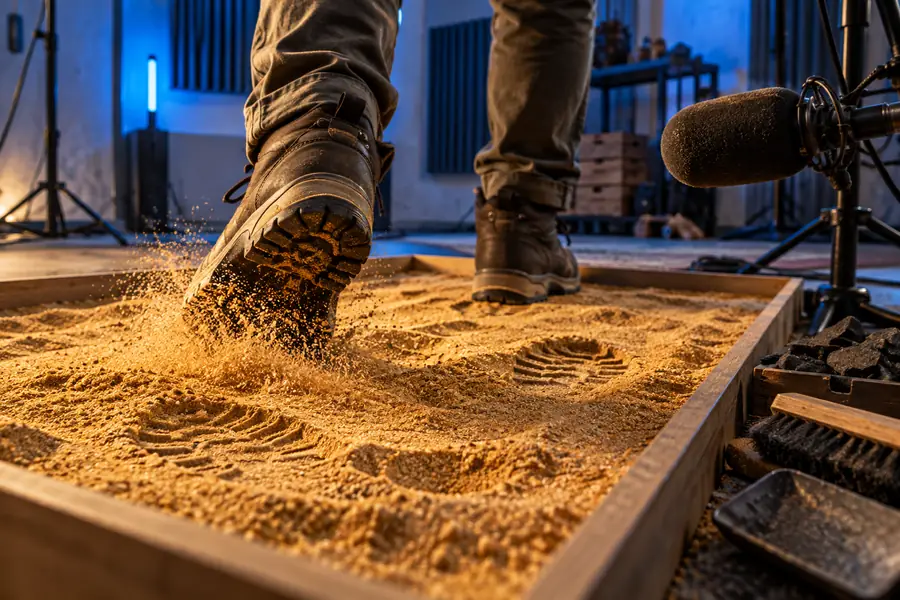
Illustration of footsteps on a sandy surface as a starting sound idea
Start with a specific action
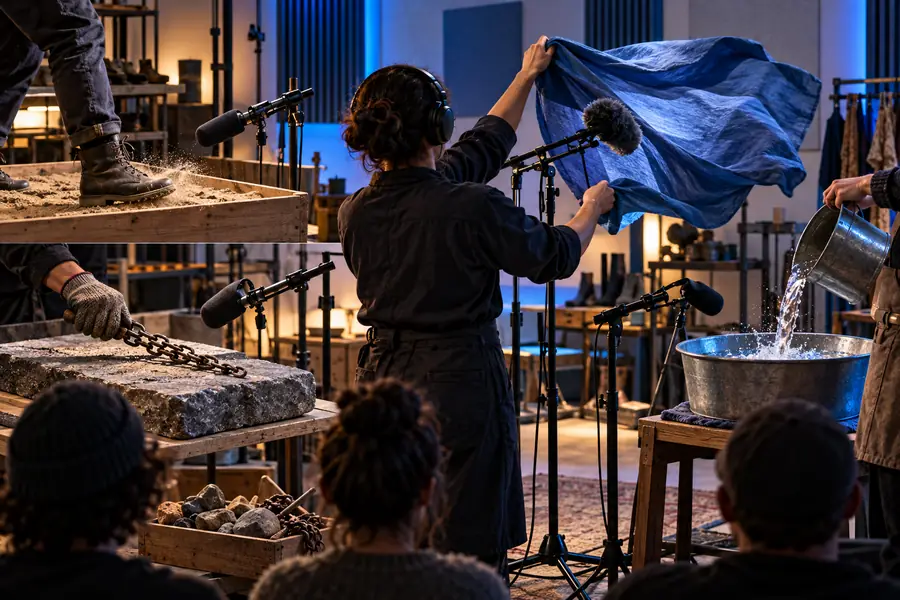
Illustration representing the process of shaping a sound effect
Shape it for the scene

These images illustrate a workflow, not an audio before-and-after sample. For a closer footstep, record the contact and the loose surface movement separately, then adjust their balance. Vary the timing and strength of successive steps; an identical repeated cue is easy to notice. For a sound farther from the listener, try reducing high-frequency detail and level before adding more reverberation. Compare changes against the unedited take and the full scene, because a sound effect that is impressive alone may distract from the story.

Start with a specific actionShape it for the scene

Start with the action, surface, distance, and mood you want the audience to hear. Soundeffect can help you frame that description before you explore a sound-making workflow. If you record the cue yourself, keep your original take and test every edit against the scene; if you use material from another source, check its terms before publishing.

Give your next scene a sound brief

  • Describe a specific action instead of a broad category
  • Compare variations in the full scene
  • Check source permissions before publishing
Explore sound ideas

tutorial FAQ

Choose the action you want to suggest, then try objects with a similar rhythm or texture rather than searching for a perfect match. Record each attempt in a quiet space, leave room around the action, and compare the takes against your scene. Paper, fabric, containers, and shoes can produce a surprising range of useful sounds.

A phone can capture usable material if you keep it steady, avoid noisy surroundings, and give loud actions enough distance. Listen back through headphones before packing up so you can catch hum, clipping, or handling noise. Record multiple takes; selecting a clean performance often helps more than extensive editing.

There is no required number. Begin with one clear recording and add a layer only if it supplies a missing element, such as the sharp contact of an impact or the softer movement afterward. If removing a layer makes no noticeable difference in the scene, you probably do not need it.

First lower its level and reduce some high-frequency detail, then listen in the context of the scene. A small amount of room sound may help, but excessive reverberation can make the location feel wrong. Compare it with other sounds that appear at a similar distance.

A recording you created yourself generally gives you a clearer source history than a clip copied from elsewhere, but check whether it contains recognizable borrowed audio. If you add samples, music, or recordings from another source, review their permission terms before publication. Keep the original recording and a note of any material used in the final cue.

Create a sound
Create a sound