Wondering is sound effect safe to use? Check before you publish
If you are asking “is sound effect safe to use,” there is no answer based on how the clip sounds. Check where it came from, what its license permits and whether the recording contains material you need permission to include.
how it used to be done
A familiar shortcut was to find a sound effect, download it and assume that a public link meant permission to publish. The safer starting point is the clip’s actual source and terms.
how it is done today
A short source check can catch problems before a sound effect becomes part of a finished project.
-
1
Trace the source
Find the original listing or creator rather than relying on a repost. Save the source URL, creator name and the date you checked the terms.
-
2
Read the permitted uses
Check whether your intended distribution, editing and commercial use are allowed. Look for attribution requirements and restrictions on sharing the clip by itself.
-
3
Check the recording and release
Listen for recognizable speech, music or other material that may carry separate rights. Keep the relevant permission record with your project files before publishing.
what changed
The important change is in the decision process: a sound effect is not cleared merely because it is easy to download.
| Assumption-based use | Source-based check | |
|---|---|---|
| Availability | A downloadable file is treated as permission. | The source and its terms are identified first. |
| License | A label such as “free” is taken at face value. | The license is read for the specific project and release. |
| Attribution | Credit is omitted or added from memory. | Required wording and placement are recorded. |
| Embedded audio | Speech or music inside the recording is overlooked. | Separately recognizable material is checked. |
| Editing | Permission to download is assumed to permit changes. | Modification rights are checked before processing. |
| Records | The source page is forgotten after the edit. | A copy of the relevant terms is kept with the project. |
who switched
Video editors, podcasters and game creators can all benefit from making the rights check part of their normal handoff. The same habit helps collaborators understand why a clip was selected.
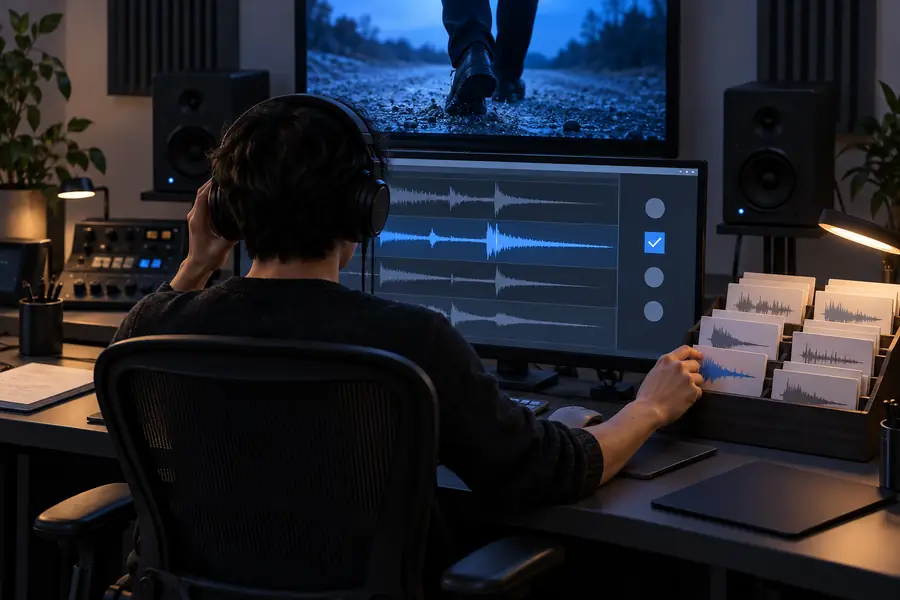
These images illustrate a change in workflow, not proof that any particular recording is licensed or safe. A project owner still needs to verify the specific clip and intended use.
Question: can I use it?Next step: check the termsLimits of a safety check
A checklist reduces avoidable mistakes, but it cannot grant rights or settle every dispute.
It cannot grant permission
Neither this page nor an audio tool can authorize use of someone else’s recording. A sound effect may have terms that exclude your intended use.
What to do instead
Get permission from the rights holder or choose a clip whose terms cover the project.
It cannot clear hidden content
A license for a recording may not resolve separate rights in audible music, recognizable voices or other material captured within it.
What to do instead
Inspect the clip closely and seek separate clearance when needed.
It cannot guarantee platform acceptance
A platform may flag or remove audio even when you believe you have permission. Automated matches do not evaluate every license or exception accurately.
What to do instead
Keep your permission records and follow the platform’s dispute process if a claim appears.
Keep the check with the creative work
Whether you are choosing an existing clip or exploring audio tools, record the source and review the applicable terms before release. Soundeffect can help you think through the next step, but the rights check belongs to the specific audio you use.
Make source checks part of your sound workflow
- Identify the original source
- Check the intended use
- Keep a record of the terms
its own FAQ
Being online does not make a clip available for every use. Find its original source and check the applicable license or obtain permission before publishing it.
That depends on the clip’s terms and any rights in material heard within it. Check that commercial use, your editing choices and your distribution platform are covered.
Credit satisfies an attribution requirement only when the license also permits your use. It does not replace permission for a clip whose terms prohibit your project.
Do not assume the video uploader owns the effect or can sublicense it. Trace the audio to its original source and check the rights for your own use.
Keep the source link, creator information, relevant license terms and the date you reviewed them. If you received direct permission, retain that message with the project files.