Scene by scene
Sound Effects Examples You Can Adapt to Your Story
The best sound effects examples do more than name a noise: they show what the audience should notice and when. Use these scene-based ideas to plan cues for video, games, or podcasts, then test them against your own edit.
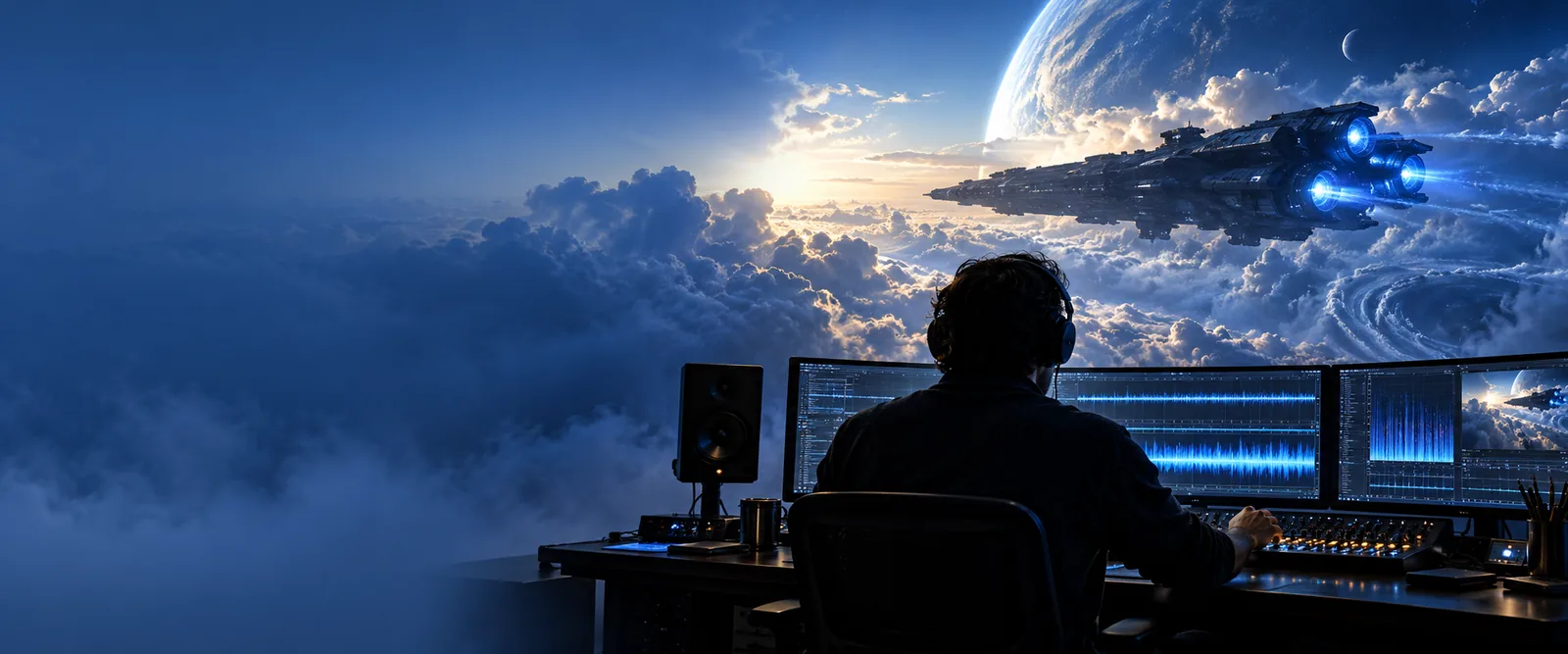
Why a list of noises is not enough
A door slam can signal danger, comedy, or an ordinary exit. Its timing and placement in the scene determine whether it helps.
- sound effect examples free Compare example cues with the license and attribution checks needed when sourcing audio at no cost.
- sound effect for youtube Plan cues around narration, cuts, and publishing checks for a YouTube edit.
- how to apply sound effects Move from a cue idea to placement, level-setting, and review on a timeline.
Three workflows for real scenes
Choose the workflow that matches what the listener needs to understand, not simply the most noticeable noise.
-
1
Make a cut feel intentional
For a fast video reveal, mark the exact frame where the new image appears. Try a short whoosh leading into the cut and a restrained impact on arrival. Compare the version with silence: if the cue draws attention away from the reveal, shorten it or remove it.
-
2
Show movement without words
For game footsteps, map each audible step to a visible or player-triggered footfall. Try distinct textures for gravel and wood rather than turning one recording louder. Check repeated steps over a longer play session so the pattern does not become distracting.
-
3
Establish a place
For a podcast scene in a café, begin with a quiet bed of room tone and distant activity. Add a cup setting down only when the action matters. Keep the foreground voice intelligible; an atmospheric effect should support the setting, not explain it by itself.
Example output: one scene, two cue plans
Imagine a character entering an empty workshop. Either plan can work, but each tells the listener something different.
| Tense discovery | Ordinary arrival | |
|---|---|---|
| Door opening | Slow hinge creak, ending before the character speaks. | Brief latch click followed by a soft door movement. |
| Room background | Low, sparse room tone with noticeable quiet between events. | Steady ventilation at a level below the dialogue. |
| Footsteps | A few deliberate steps, separated enough to suggest hesitation. | Regular steps that stop naturally near the workbench. |
| Object contact | One sharp metal tap after the character notices an object. | A small tool clink mixed as routine background activity. |
| Audience focus | The isolated tap becomes the event to investigate. | The character's words remain the main source of information. |
| Edit check | Confirm that the pause before the tap builds tension without stalling. | Confirm that ventilation and footsteps never mask speech. |
What changes when a cue has a purpose
A visual planning comparison can help you decide where a sound belongs before you audition recordings.
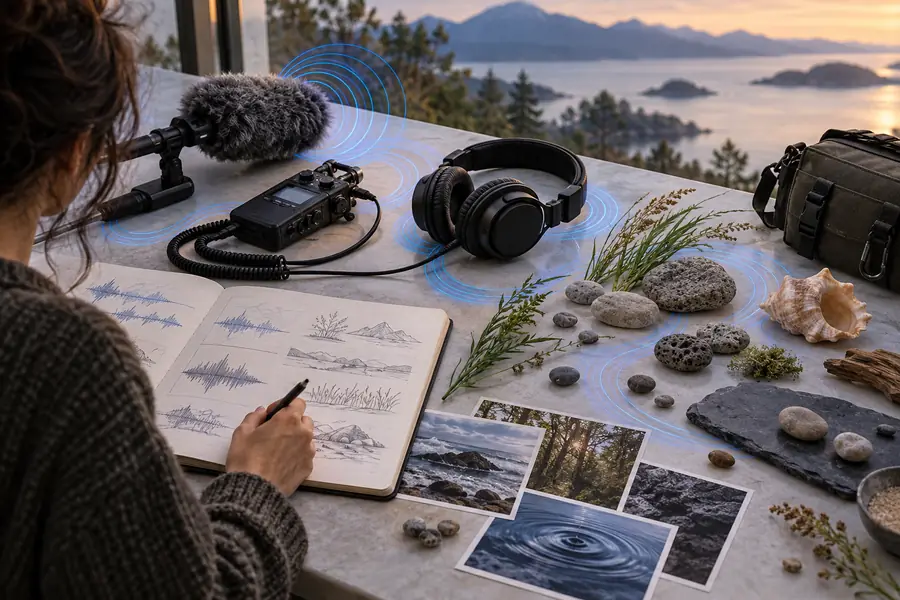
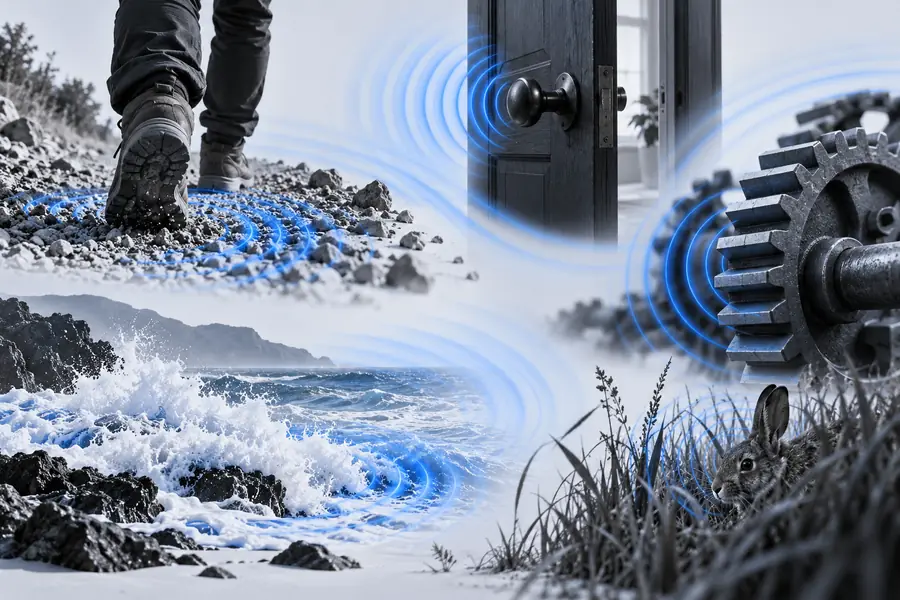
These images illustrate a planning contrast, not a playable before-and-after recording or a verified generated result. The useful output is a cue sheet: event, intended emotion, entry point, exit point, and dialogue check.
Scene without a cue planScene with cue prioritiesCheck the audio before you publish
A cue idea is not a license, a finished mix, or proof that a recording fits your scene. Make these checks on the actual file you use.
Examples do not grant usage rights
A suggested door creak or impact says nothing about the permissions attached to a particular recording. Rights can vary by source and intended use.
What to do instead
Read the file's license, keep a record of its source, and check attribution and commercial-use terms before publishing.
Descriptions cannot verify a mix
Written guidance cannot tell whether an effect masks dialogue, clips at a peak, or feels too loud on a phone speaker.
What to do instead
Audition the complete scene at a comfortable level on more than one playback device.
A cue plan cannot identify a mystery recording
If you already have an unfamiliar clip, scene examples cannot reliably tell you its source, exact contents, or ownership.
What to do instead
Inspect the original file and its metadata; ask its provider when provenance is unclear.
Take your cue plan into the edit
Pick one scene and write down the action, the audience's intended reaction, and the point where a cue should stop. Soundeffect can help you think through examples; the linked audio product is a separate destination, so review its current capabilities and terms before relying on it for a project.
Start with the moment, then choose the sound
- Keep speech and essential action clear
- Compare every cue against silence
- Check rights for the actual audio file
Questions about choosing scene sounds
A whoosh can lead into a cut, an impact can mark a reveal, and room tone can keep an interior scene from feeling abruptly silent. Choose the cue by the event it supports, then check whether it still works in the full edit.
Footsteps changing from tile to gravel can show a change of location. A latch followed by a distant thud can imply that someone entered another room. Leave enough space around each event for listeners to understand it.
There is no fixed number. Begin with sounds needed to understand the action, then add atmosphere only where it strengthens the setting or mood. Remove any cue that competes with an important voice or event.
You can test the same recording in both, but the edit may need to change. A video supplies visual context, while an audio-only scene may need a clearer onset or more space around the cue. Check the recording's license for each intended use.
No. They are cue-planning ideas, not licensed recordings or finished mixes. Source or create the audio separately, verify its usage terms, and listen to the completed scene before release.