Scene inspiration
Explore sound effect examples free to study
Looking for sound effect examples free to explore? Start with scene ideas and describe the sound your edit needs. These examples are prompts for planning, not downloadable audio or a promise of usage rights.
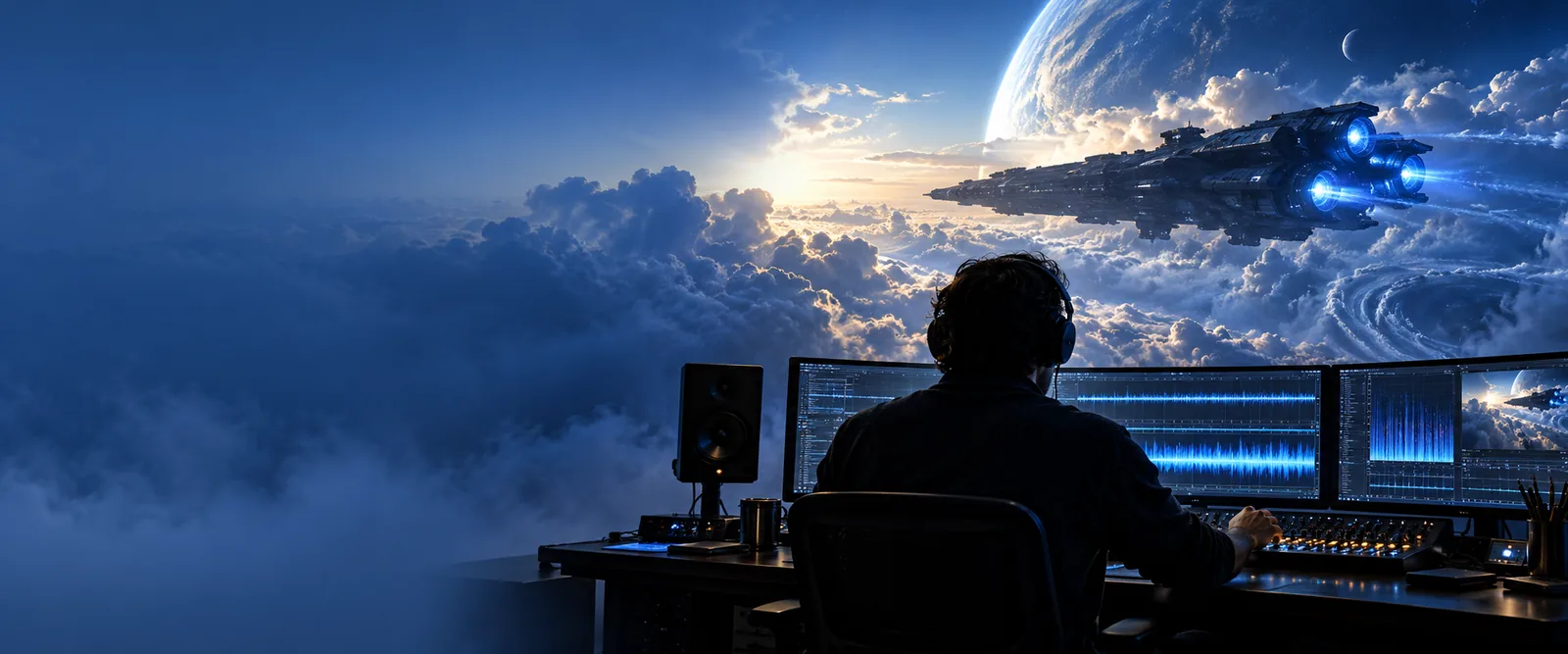
the audience's existing pipeline
Most editors already have a picture cut or a written scene before they search for audio. The missing piece is often a clear description of the cue.
- sound effects examples Browse a wider set of scene ideas when you are still deciding what kind of cue belongs in the edit.
- free sound effect Review what to check before treating a no-cost audio file as usable in a finished project.
- free sound effects for video editing See how to assess candidate cues against timing, mix, and permission needs in a video workflow.
where we slot in
Use an example to bridge the gap between a vague request and a cue you can evaluate in context.
-
1
Mark the visible event
Write down what the audience sees and when it happens. For a cup placed on a counter, note whether the contact is gentle, abrupt, or hidden by a cut. A sound effect should support that specific moment rather than fill the whole scene.
-
2
Describe the audible layers
Separate the main action from its surroundings: a short ceramic tap, a faint refrigerator hum, and perhaps a distant door. State which layer should be foreground. This gives you a useful brief whether you later search a library, record Foley, or explore a generation tool.
-
3
Audition it in the edit
Place a candidate against the picture and listen with dialogue and music present. Adjust its timing and level, then check whether its source and license fit the intended release. A convincing solo preview can still be distracting or unusable in the finished mix.
before/after
The change is in the brief, not a guaranteed transformation of an audio file. These images illustrate two stages of planning.
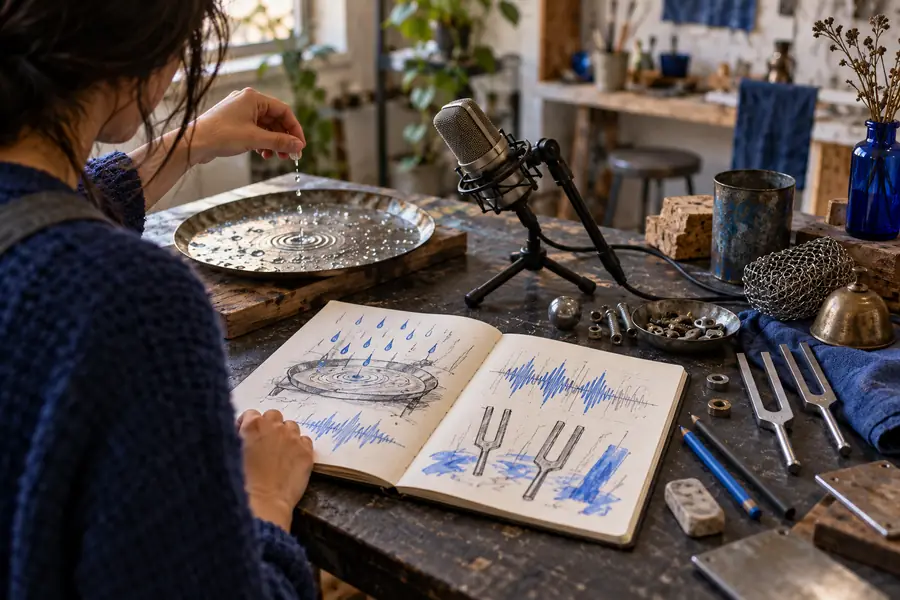
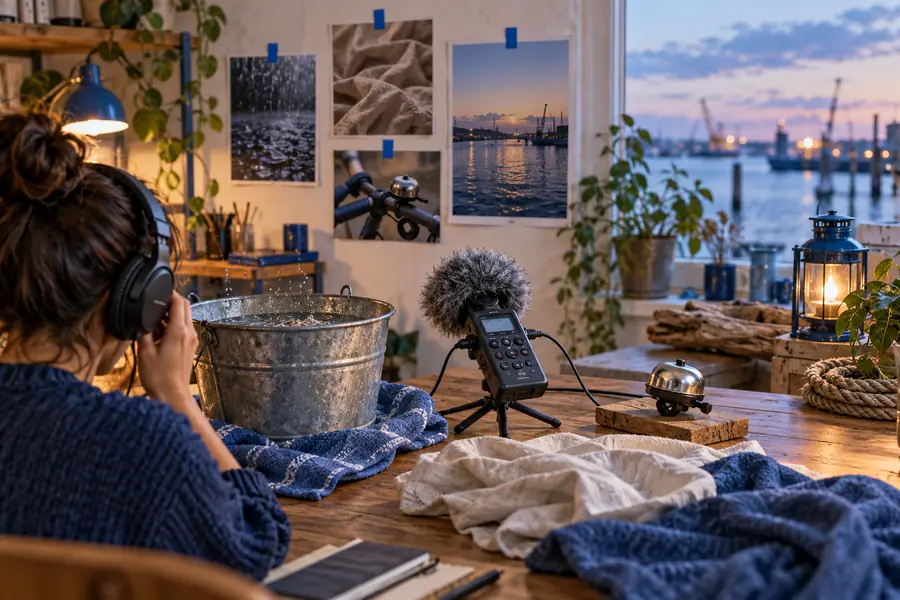
The after example names a source, a transient, a background layer, and a timing cue. Neither image is an audio preview or evidence of a generated result.
Before: add a kitchen noiseAfter: ceramic tap on the cut, low appliance hum beneathWhat an example cannot settle
A written sound effect idea helps you plan, but it cannot answer every production question.
It cannot grant a license
A free-to-read example says nothing about permission to use a particular recording, including in commercial work.
What to do instead
Check the terms attached to the actual file or service and keep a record of the permission you rely on.
It cannot prove a sound fits
Words cannot tell you whether a cue masks speech, clashes with music, or feels too close for the camera angle.
What to do instead
Audition the candidate in the full scene at a realistic listening level.
It cannot identify a recording
A description of a door closing will not reveal the source, ownership, or authenticity of a clip you found elsewhere.
What to do instead
Trace each candidate back to its source and verify its metadata before publishing.
It cannot guarantee an exact output
A prompt or brief communicates intent; it does not ensure that any tool produces precisely the duration, texture, or timing you imagined.
What to do instead
Allow time to review alternatives, edit the result, or record the cue yourself.
deliverable spec
Use this side-by-side brief to make a sound effect request easier to act on. The scene is illustrative, not a product output specification.
| Vague request | Usable scene brief | |
|---|---|---|
| Scene | Kitchen ambience | Quiet kitchen at night, heard from beside the counter |
| Main action | Cup sound | One ceramic cup placed gently on a hard counter |
| Timing | Somewhere in the shot | Contact lands on the cut to the cup |
| Background | Room noise | Low, steady refrigerator hum beneath the action |
| Perspective | Realistic | Cup close and distinct; door closure distant and subdued |
| Ending | Fade out | Let the cup's short decay finish before the next line of dialogue |
| Review | Sounds good | Check against dialogue, picture timing, and the candidate's usage terms |
Take the brief into your next edit
Sound effect examples free to study can help you decide what to ask for, but the final choice still needs a listening test and a rights check. Describe the action, its surroundings, and the moment the cue should land; then assess any candidate in your actual mix.
Start with the scene, not a generic search term
- Name the visible action and the sound source
- Specify foreground, background, and timing
- Verify terms for any audio you use
scenario FAQ
No. The examples on this page are written scene briefs you can use for inspiration, not an audio library. If you find or create a matching sound effect elsewhere, check that source's access conditions and usage terms.
You can adapt a written cue idea to describe your scene, but that does not license a recording. Commercial use depends on the terms for the specific audio you select and any other rights that apply to it.
A useful example identifies the visible action, the sound source, and where the cue belongs in the cut. It also distinguishes foreground detail from ambience so the editor can judge each layer against dialogue and music.
Change one part of the brief at a time, such as distance, surface, intensity, or timing. Compare candidates in the full edit rather than judging them alone, and verify the terms of the one you ultimately use.